

Quality-gated selfies
Lighting, blur, framing, and angle checks help weak photos stop before they create overconfident output.
Your visual skincare routine coach.
Start a guided scan, organize the products you already own, follow AM/PM routine steps, and track progress with clear privacy controls.
What SkinCoach does
SkinCoach keeps skincare simple: visible cosmetic cues, your product cabinet, practical routine steps, and opt-in progress tracking.
Lighting, blur, framing, and angle checks help weak photos stop before they create overconfident output.
Zone notes, visible appearance cards, photo quality, and one practical routine focus in under a minute.
Scan or add products you already own, organize AM/PM steps, and spot routine complexity without brand pressure.
Save progress photos only when you choose, then review weekly cosmetic pattern changes with cautious labels.
A light streak and plant system rewards consistency without turning skincare into fear or shame.
Delete, export, consent, and photo-storage choices are part of the product experience, not hidden settings.
Does
Does not
App screens
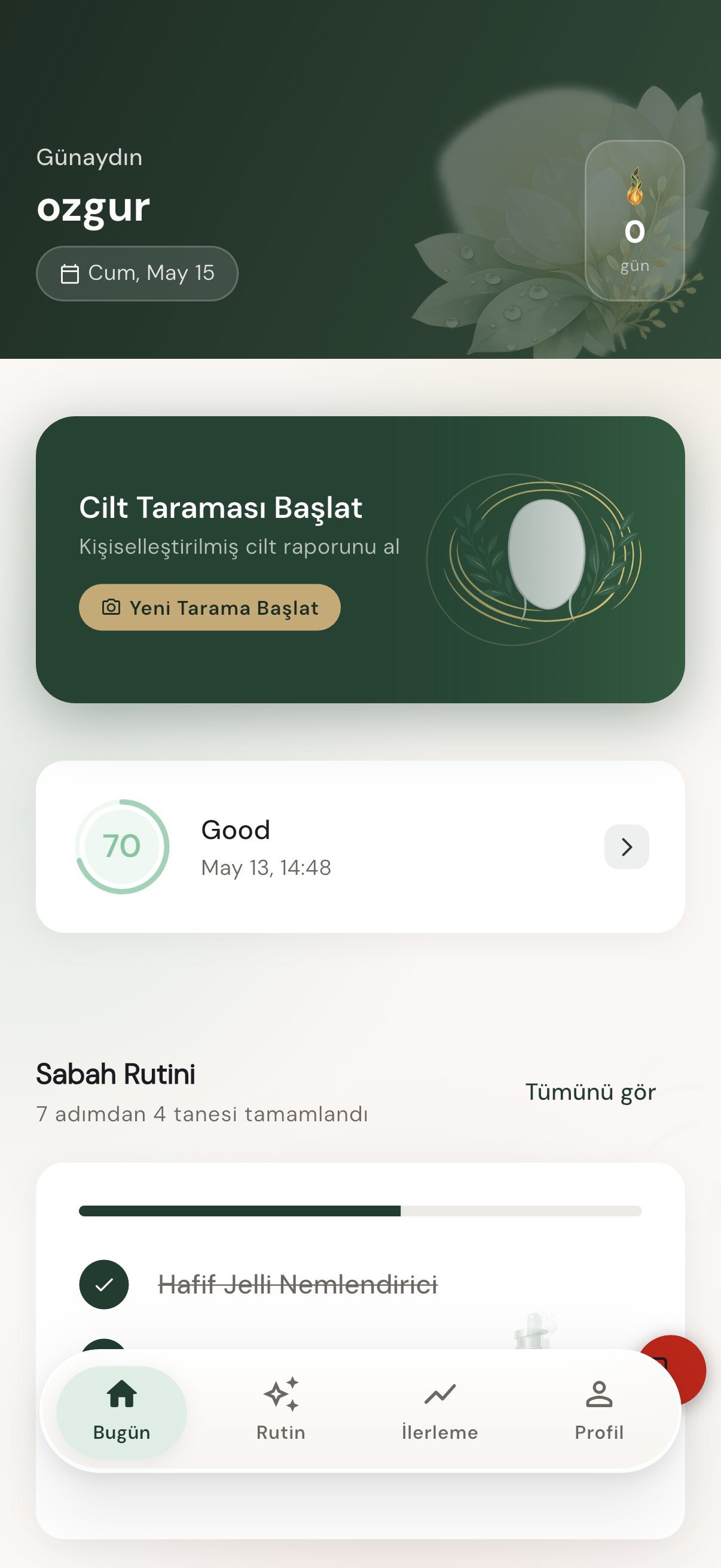
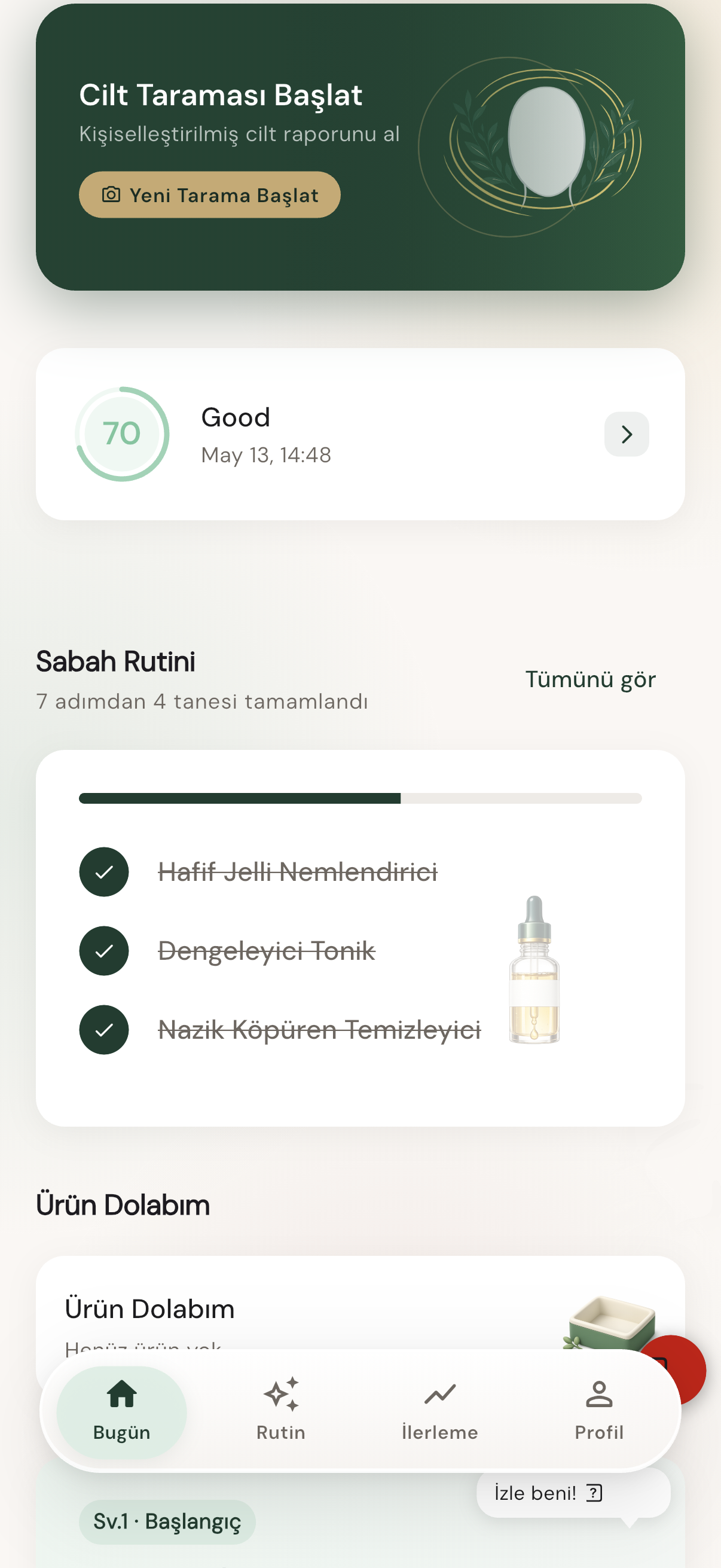
Start from Today, review your report, keep the routine organized, and return for weekly progress check-ins.
Today
Scan, streak, and routine status in one place.
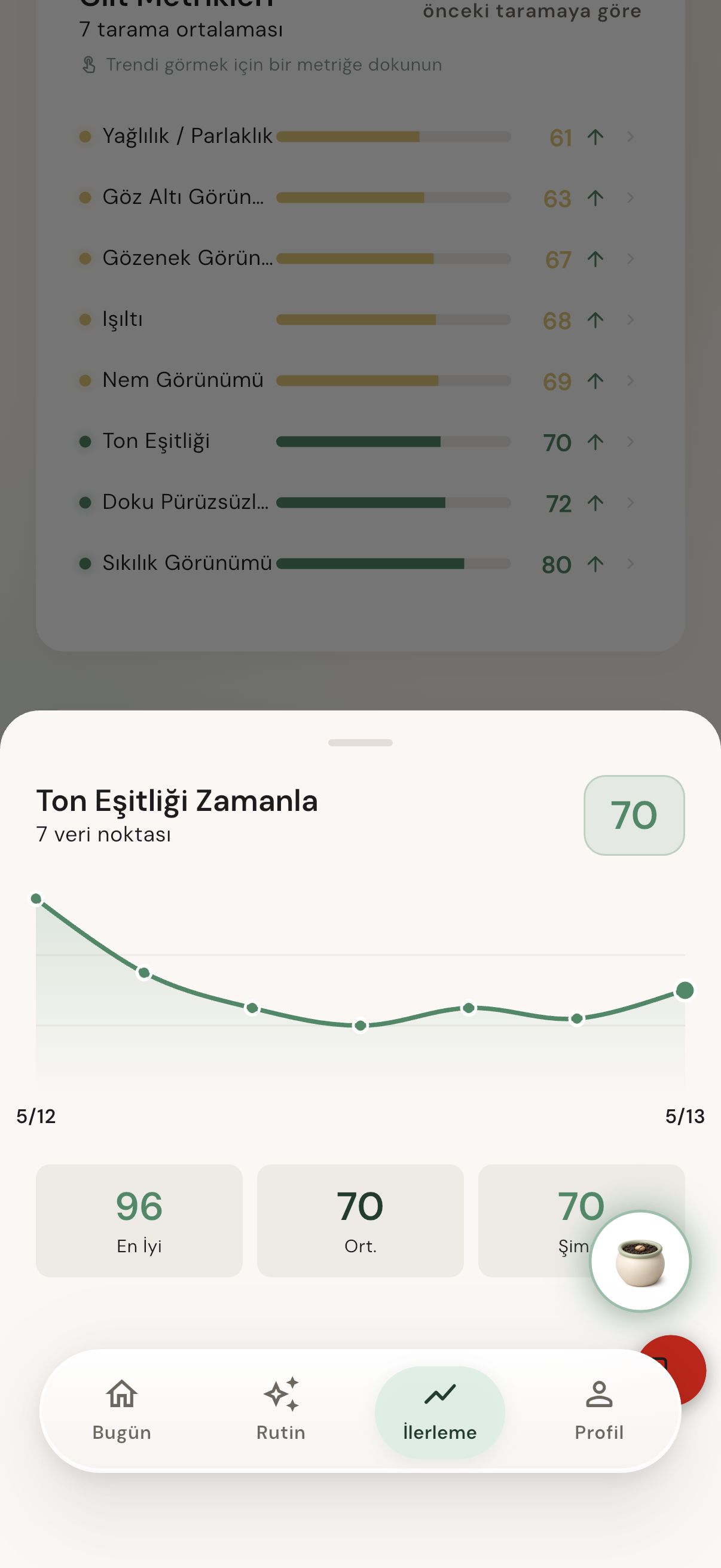
Report
Visible cue cards and cosmetic zone context.
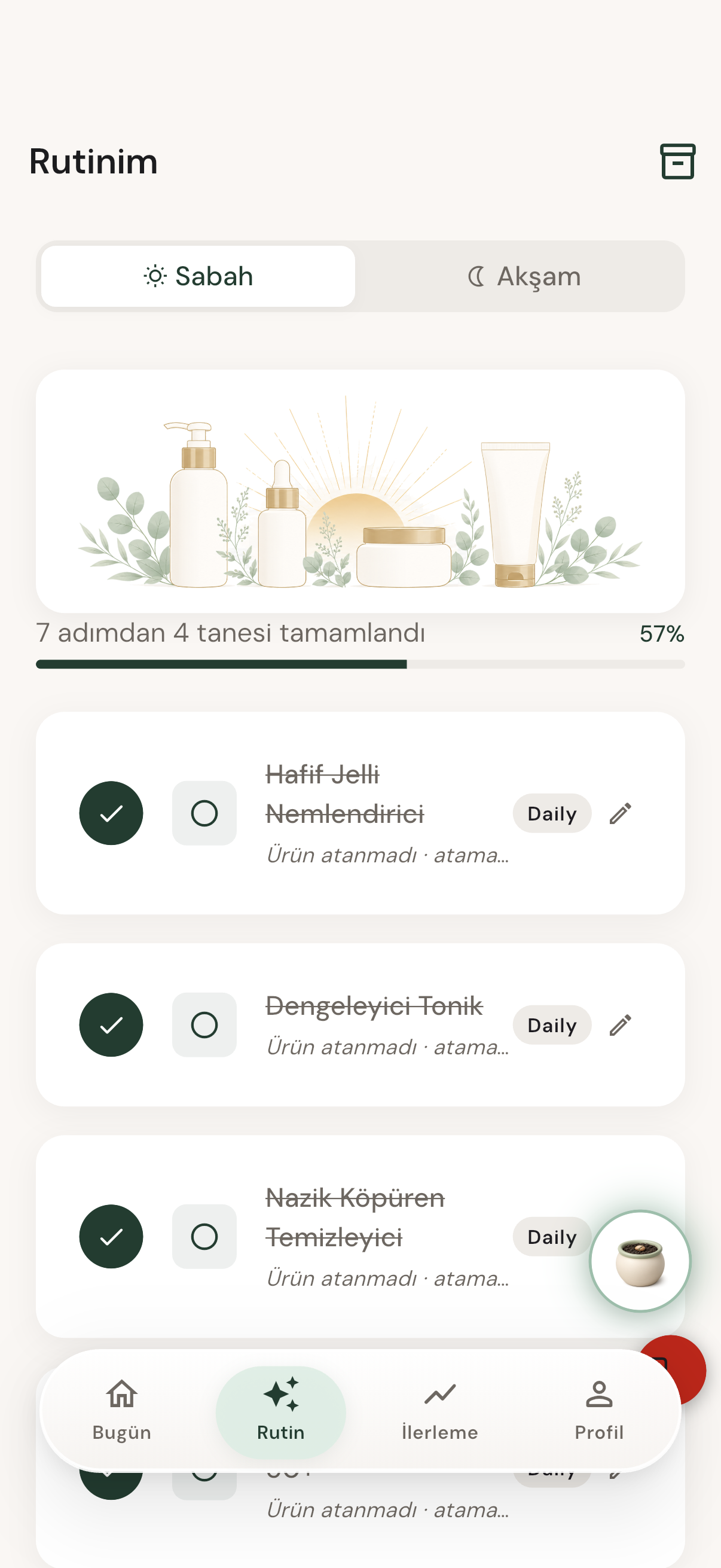
Routine
Morning and evening steps with product assignment.
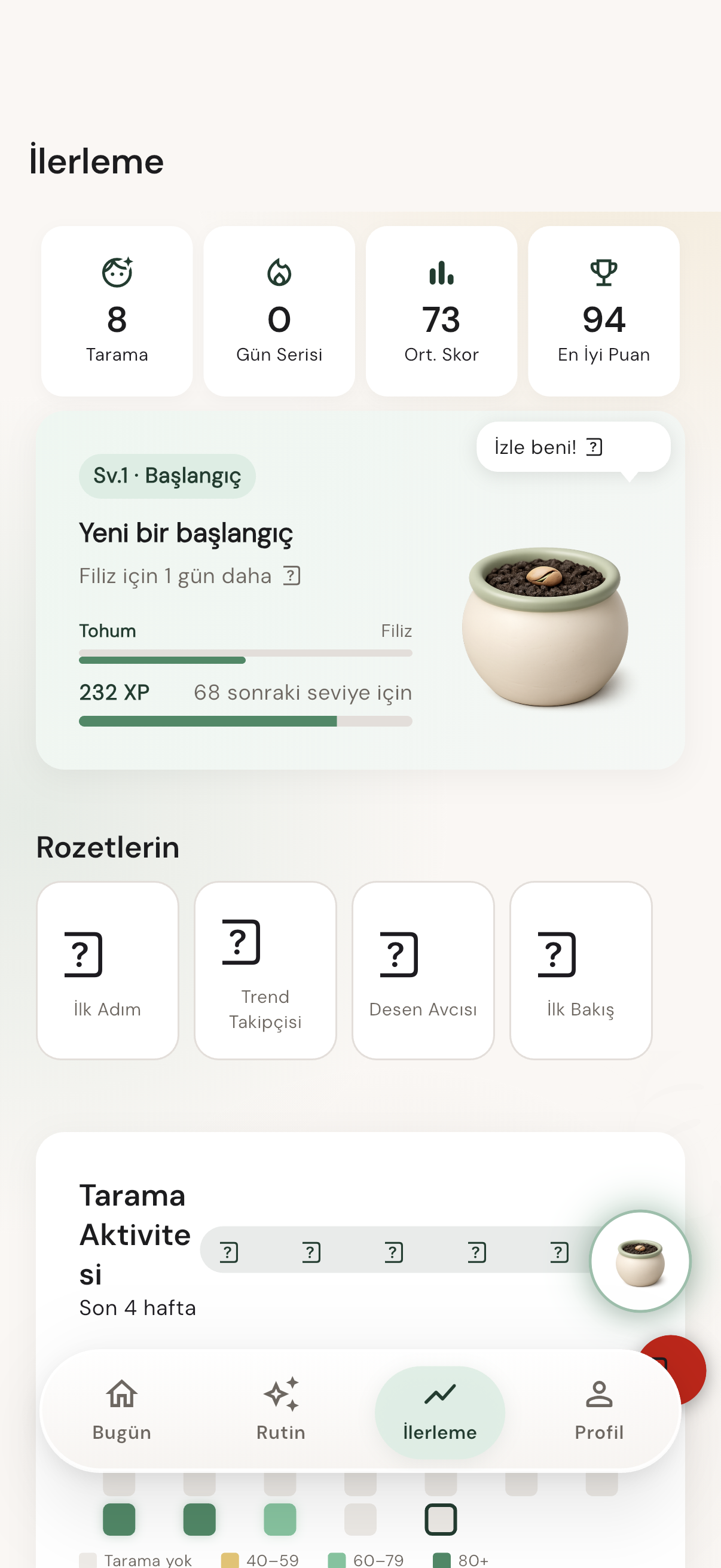
Progress
Opt-in tracking, check-ins, and consistency rewards.
Photo use is clear before analysis.
Lighting and framing checks happen first.
Visible cosmetic cues become cards.
Your products become AM/PM steps.
Weekly check-ins stay optional.
Your products stay at the center.
The cabinet starts with products already on your shelf, then helps keep routine order clear.


How it works
A useful skincare coach should reduce guessing. SkinCoach keeps each step focused, visual, and bounded by privacy and safety.

SkinCoach explains photo handling, adult use, optional storage, and the non-medical product boundary before analysis.
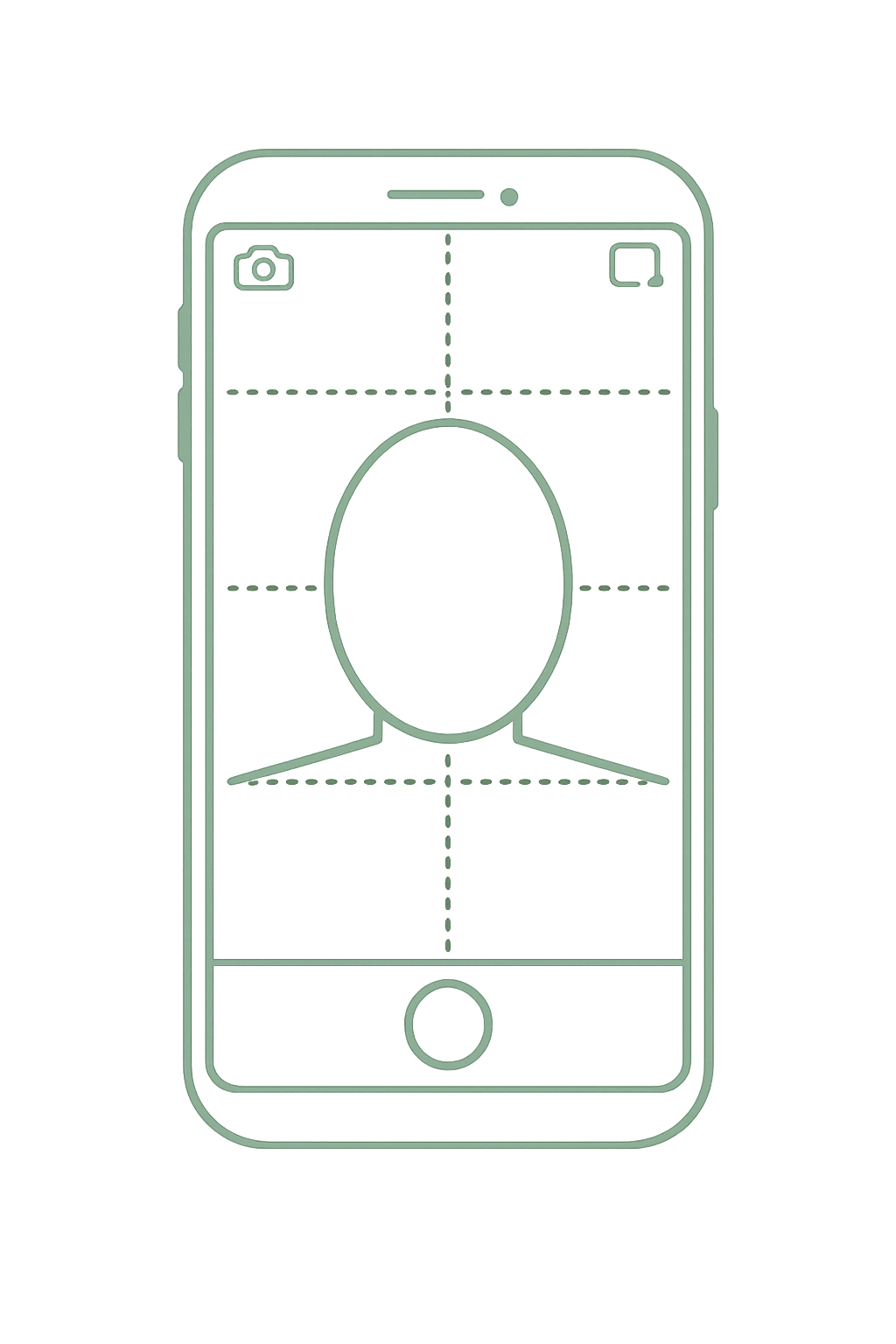
The camera guide checks framing, blur, angle, and light so low-quality photos do not become confident reports.
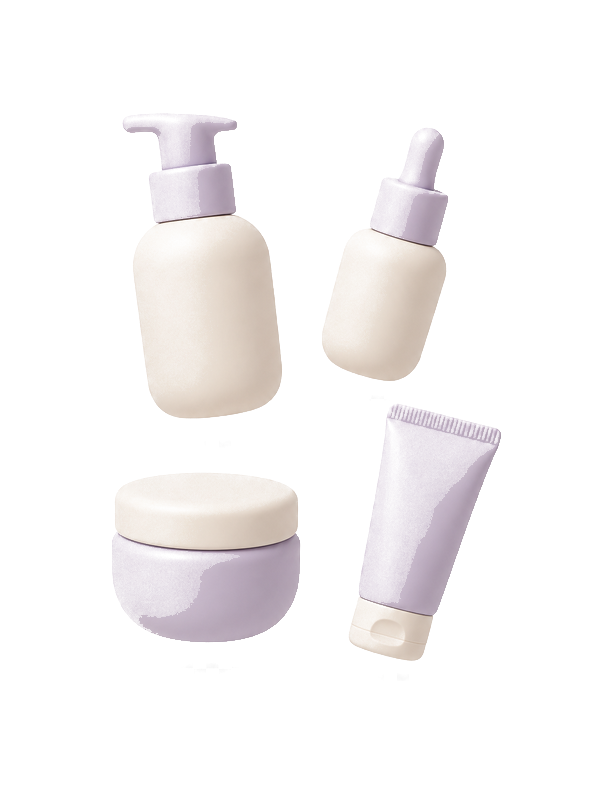
The report turns into AM/PM steps, product categories, frequency, and simple notes about overlap or complexity.

Check-ins build a progress timeline over time. Saving photos is optional and delete controls remain visible.
If a concern is outside cosmetic routine support, the app redirects to qualified professional guidance. That redirect is always free.
Privacy
Face photos are sensitive. SkinCoach keeps the rules short: ask first, save only by choice, and make deletion clear.
Progress storage is opt-in. Delete controls stay easy to find.
Consent, export, revoke, and account deletion belong in the core app.
SkinCoach does not diagnose, prescribe, or replace professional care.
Guides
Practical skincare education that stays cosmetic, simple, and privacy-first.
4 min read
A calm guide to building a simple morning skincare routine with cleanser, moisturizer, and SPF.
Read guide5 min read
Learn how a skincare product cabinet helps organize products, routine order, frequency, and product overlap.
Read guide4 min read
A privacy-first guide to tracking visible cosmetic skin progress with optional photos and weekly check-ins.
Read guideEarly access
Join the SkinCoach launch list for first access to quality-gated visual reports, routine building, product cabinet organization, and opt-in progress tracking.
SkinCoach is cosmetic routine support only. Delete controls and professional guidance redirects stay free.
SkinCoach provides cosmetic skincare routine support only and is not a substitute for professional healthcare advice. If you have pain, bleeding, rapid visible changes, open wounds, or any skin health concern, consult a qualified healthcare professional. This safety redirect is always free.